 Fabricate
Compute on your device.
The modeling runtime works locally in your browser or Desktop app. Your part doesn’t need a round trip to a modeling server for every edit.
Professional CAD. A new way to create.
Design parts, assemblies, and drawings.
Create
by hand. Build with AI. Make it yours.
Browser CAD · Desktop + AI · Your own data
01 / The complete picture
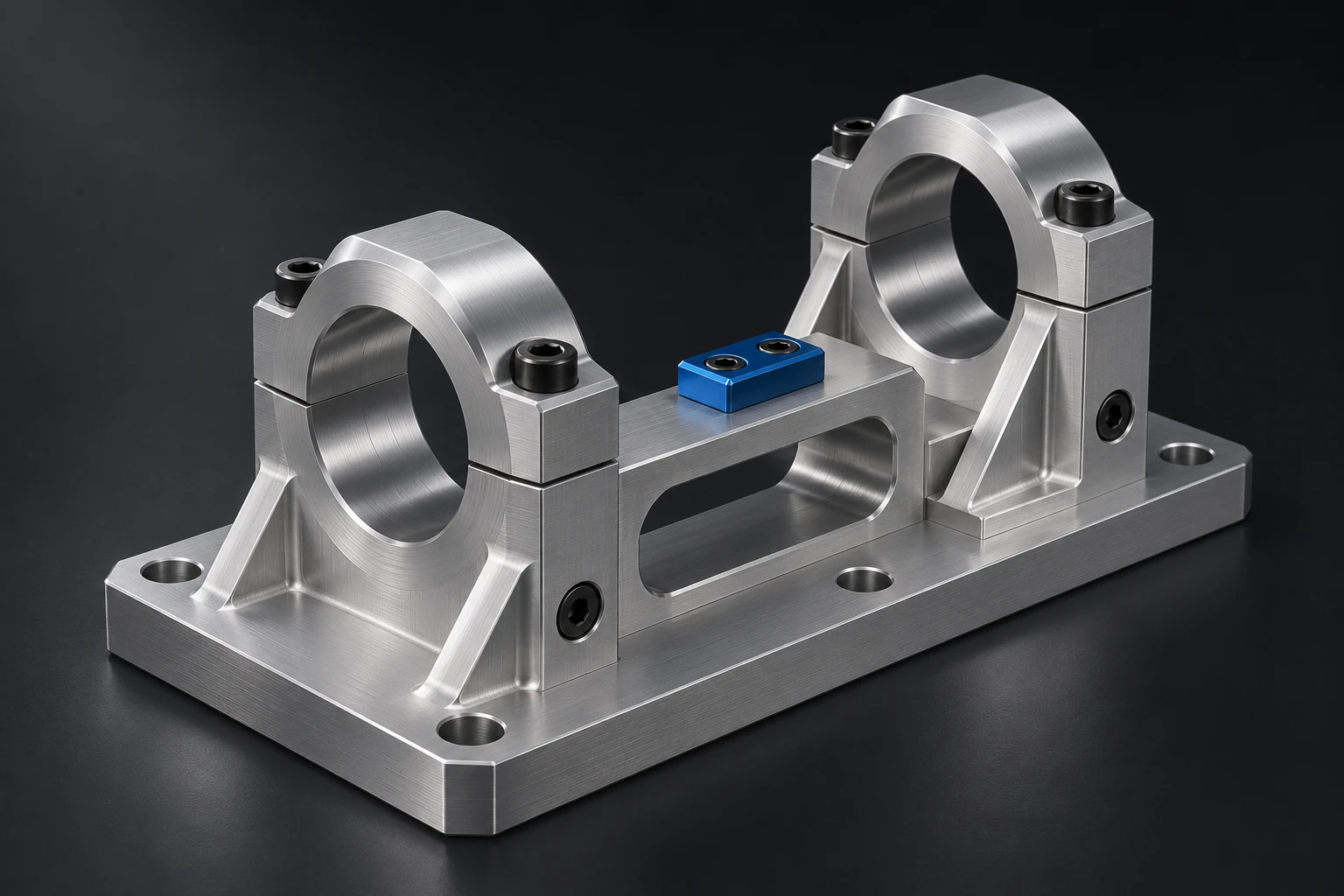
A capable CAD workspace for the whole design. Explore a detail, resolve an assembly, or put your intent on a drawing.
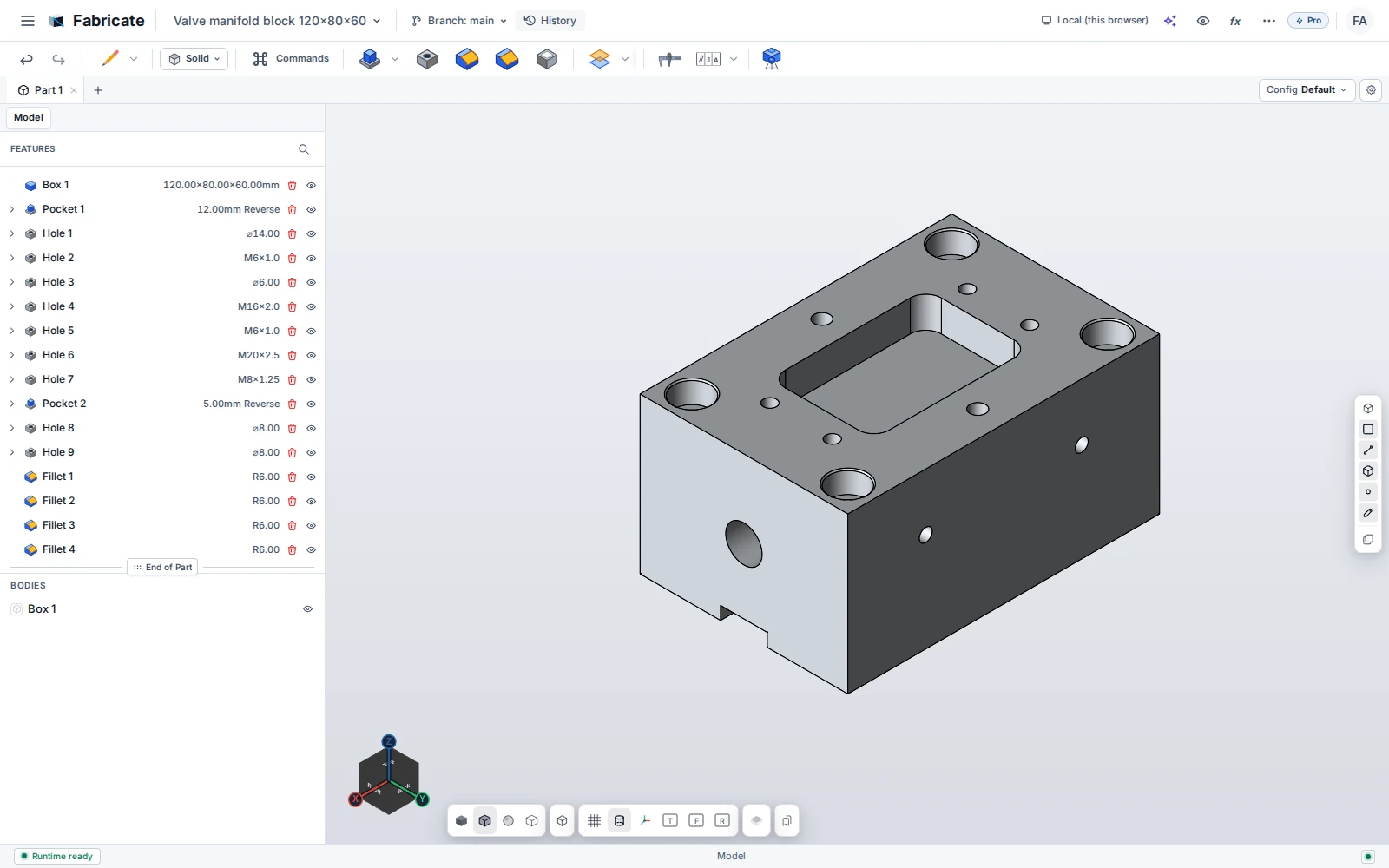
Sketch, constrain, build. Shape precise parts with a feature history you can return to and change.
Bring components together with mates, fasteners, motion constraints, and interference checks.
Turn your geometry into dimensioned views, tolerances, and drawings you can take to the workshop.
Develop sheet-metal parts, inspect geometry, and explore machinability before handing off your design.
02 / AI that works with the model
Whole parts. Complete assemblies. Engineering drawings. Your connected AI can create them directly in Fabricate—and keep working when the brief changes.
“Build a mounting plate with four counterbored holes. Add a center pocket and round the corners.”
Then keep going.
“Make it wider. Add the mating part.
Create a dimensioned
drawing.”
The result belongs to you
AI operates the CAD tools. You get a model you can inspect, dimension, revise, and continue by hand. The feature tree stays part of the conversation.
Connect a compatible AI client to Fabricate Desktop through MCP. CuttingEdge is optional. Your AI provider’s subscription or usage charges are separate.
Connection guide ↗03 / Go further, together
Fabricate stands on its own. Integrations bring its design tools into the places you already work.
Explore CuttingEdge integrationOptional integration / ENCY environment
Work with Fabricate’s CAD and AI toolset inside CuttingEdge. Build a fixture, revise a part, and send geometry back into your manufacturing workflow.
04 / Keep control
The modeling runtime works locally in your browser or Desktop app. Your part doesn’t need a round trip to a modeling server for every edit.
Start with private browser storage. Use Pro for supported local folders or your own S3 storage.
Use open exchange formats and your choice of compatible AI client. Decide what to share with external services.
05 / Simple by design
Start with Free. Choose Pro for the full workflow. One paid plan, including AI connectivity.
A place to start
For exploring ideas and making your first parts.
Public access is coming. No signup required to browse.
The complete toolset
One plan. All Pro features.For turning serious ideas into engineered designs.
Billed monthly · or €790/year with annual billing
Purchasing opens December 2026. Checkout is not open yet.
Prices exclude applicable tax. One named-user subscription covers browser and Desktop. 30-day Pro trial planned at public launch, no payment card required. Your connected AI provider’s subscription or usage charges are separate.
Compare every featurePurchasing opens in December 2026. We may open earlier. Email us for launch updates or to discuss early access; paid checkout is not open yet.
No. Fabricate is a standalone CAD product. You can model parts, build assemblies, create drawings, and connect AI directly in Fabricate Desktop. CuttingEdge is an optional integration for working inside its manufacturing environment.
Yes. Connected AI clients can create and edit parts, assemblies, and drawings using Fabricate’s CAD tools through MCP. The result is an editable design with features and parameters. You can inspect it, revise it with AI, or continue manually.
Access to Fabricate’s AI/MCP tools is included according to your plan. You connect your own compatible AI client; that provider’s subscription or usage charges are separate. Fabricate does not charge per modeling operation.
Fabricate Desktop runs a local MCP server for compatible AI clients on your computer. The standalone browser app does not expose an MCP server. Embedded integrations such as CuttingEdge use a host connection to the same CAD toolset.
Browser storage is the default. Pro adds supported local-folder and customer-owned S3 storage. Modeling runs on your device. Data you choose to send to a connected AI service or an integration is subject to that service’s own terms.
The launch offer includes 30 days of Pro without a payment card. After the trial, you can choose Pro or continue with the Free feature set. Trial enrollment will open with public access.
Purchasing opens December 2026
Bring the part you have in mind.
We’ll show you what Fabricate can
do.