 Fabricate
01 / Explore
CAD inside your workspace
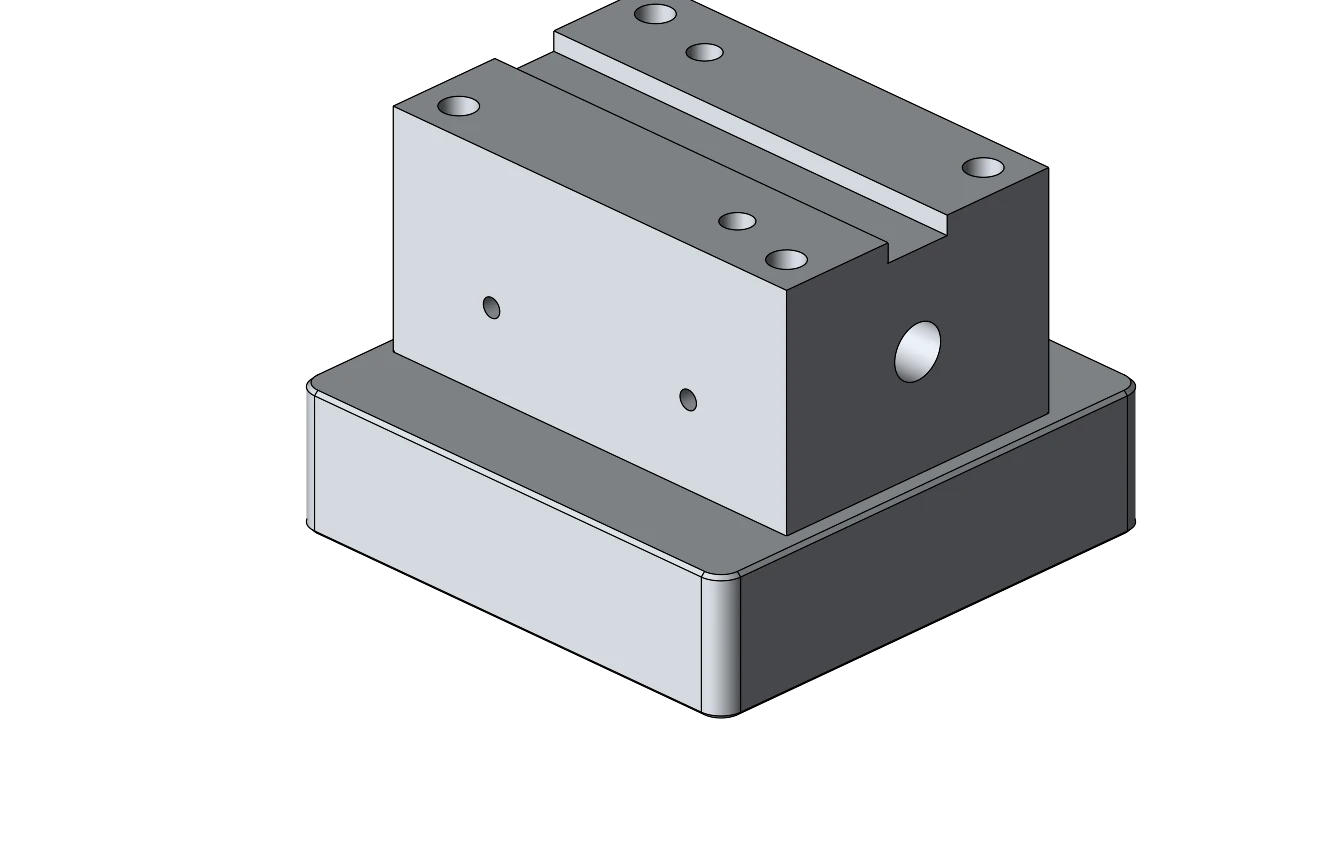
The CuttingEdge plugin embeds Fabricate in its ENCY environment. Create or inspect the design in the embedded workspace, with Fabricate’s modeling runtime running in the page.
Optional integration / CuttingEdge
Use Fabricate CAD and AI tools inside CuttingEdge’s ENCY environment. Build parts and fixtures, revise geometry, and send results back to the host.
Fabricate is a complete standalone CAD product. The CuttingEdge integration brings that same design capability into an existing manufacturing workflow.
01 / Explore
The CuttingEdge plugin embeds Fabricate in its ENCY environment. Create or inspect the design in the embedded workspace, with Fabricate’s modeling runtime running in the page.
02 / Explore
The host can drive Fabricate’s CAD tools to build parts, fixtures, assemblies, and drawings. The embedded workflow uses the same tool catalog as standalone Desktop MCP.
03 / Explore
The host-storage connection lets the integration keep Fabricate projects alongside the host’s project files. The host chooses and manages the workspace.
04 / Explore
Use the host handoff to send geometry back to CuttingEdge. Choose the part or assembly that belongs in the next stage of your manufacturing workflow.
Purchasing opens December 2026
Bring the part you have in mind.
We’ll show you what Fabricate can
do.