 Fabricate
01 / Explore
Connect AI locally
Enable the local MCP server in Settings → Advanced. Give a compatible AI client access with a revocable token and let it create, inspect, and edit the design.
The same workspace / More ways to work
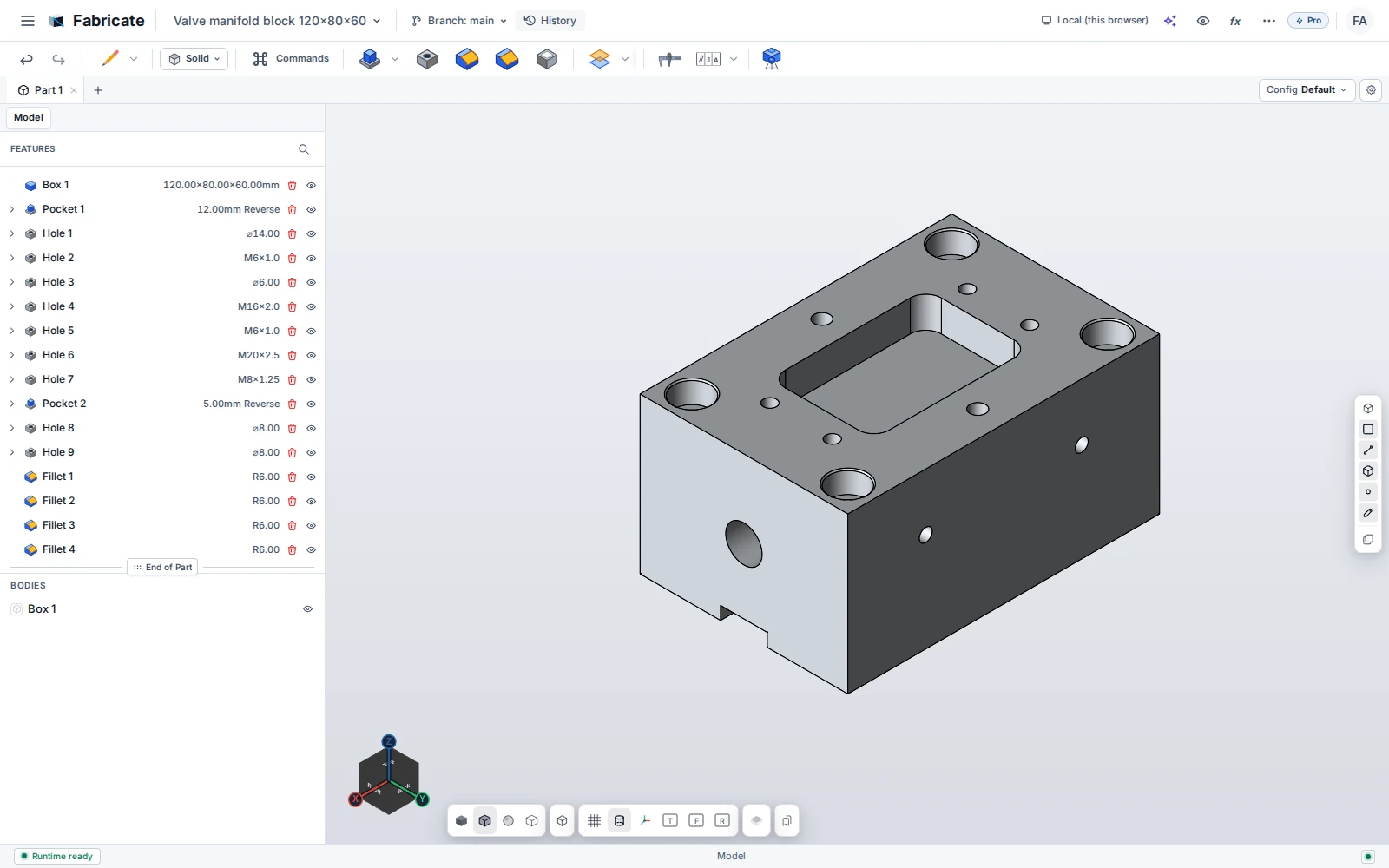
Fabricate Desktop brings local AI connectivity, native file workflows, and local rendering to the CAD workspace.
Keep the familiar Fabricate workspace and connect it more closely to your own computer.
01 / Explore
Enable the local MCP server in Settings → Advanced. Give a compatible AI client access with a revocable token and let it create, inspect, and edit the design.
02 / Explore
Use supported local and network-folder workflows. Pro also supports customer-owned S3 storage for teams that want their own storage infrastructure.
03 / Explore
Pro adds photoreal rendering through the local Blender Cycles integration. Rendering uses your own computer rather than a Fabricate render farm.
04 / Explore
Desktop availability depends on the platform and released installer. Offline work is subject to license activation and offline-checkout limits. Ask us about your operating system and deployment requirements.
Purchasing opens December 2026
Bring the part you have in mind.
We’ll show you what Fabricate can
do.