 Fabricate
01 / Explore
Define the relationship
Use mates to express how components fit and move. Track remaining degrees of freedom and investigate conflicting constraints.
Product / Assemblies
Place components, define mates, track degrees of freedom, and inspect how your design fits together.
A part is only part of the story. Explore its place in the assembly with the same workspace and connected AI tools.
01 / Explore
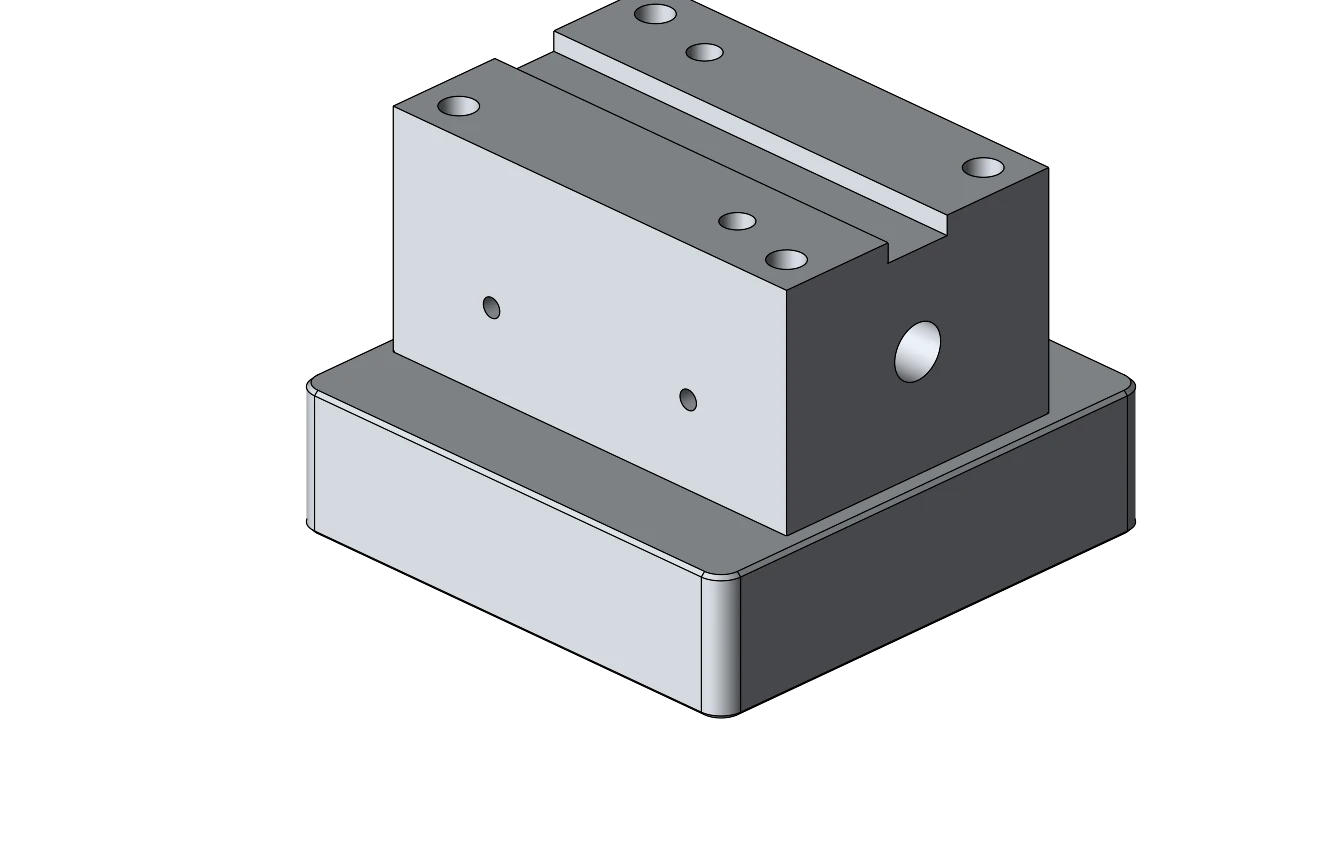
Use mates to express how components fit and move. Track remaining degrees of freedom and investigate conflicting constraints.
02 / Explore
Place fasteners and manage component positions. Use interference checks to inspect overlapping geometry.
03 / Explore
Connected AI tools can insert components, create mates, inspect the assembly, and export selected instances or a complete assembly.
04 / Explore
Export STEP with the assembly product structure and component placements. Keep the editable Fabricate document for continued design work.
Purchasing opens December 2026
Bring the part you have in mind.
We’ll show you what Fabricate can
do.